

XRECHNUNG & ZUGFERD EN16931
Create, receive and validate e-invoices.
Enter your services in the browser or upload an incoming invoice. Rebilix displays the invoice data, validates the supported format, and lets you download the original and its validation report.
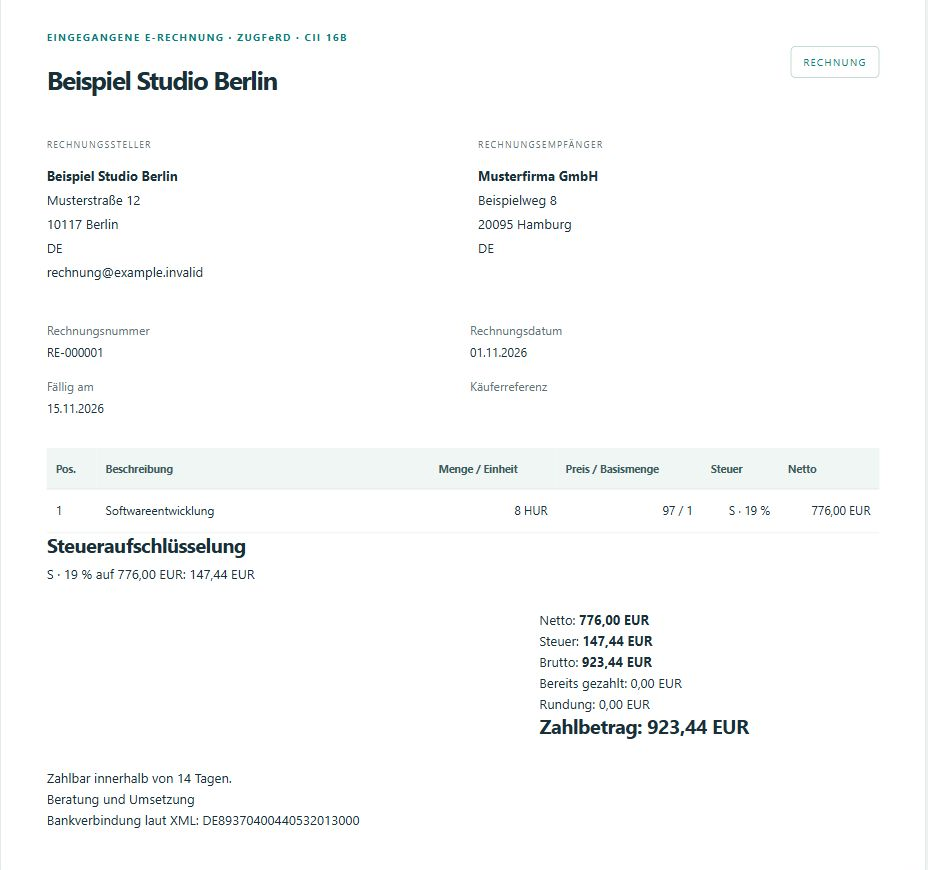
EXAMPLE INVOICE RE-000001
From order to validation report
Beispiel Studio Berlin invoices Musterfirma GmbH for eight hours of software development at €97.00 per hour. With 19% VAT, the total is €923.44.
Create an invoice
Enter the recipient, service and tax in a draft. The preview shows €776.00 net and €147.44 VAT. After reviewing the draft, you can issue the invoice.
Receive an invoice
Upload the issued invoice to the e-invoice inbox. For ZUGFeRD PDFs, Rebilix reads the embedded XML and displays the line items, amounts and recipient.
Open the validation result
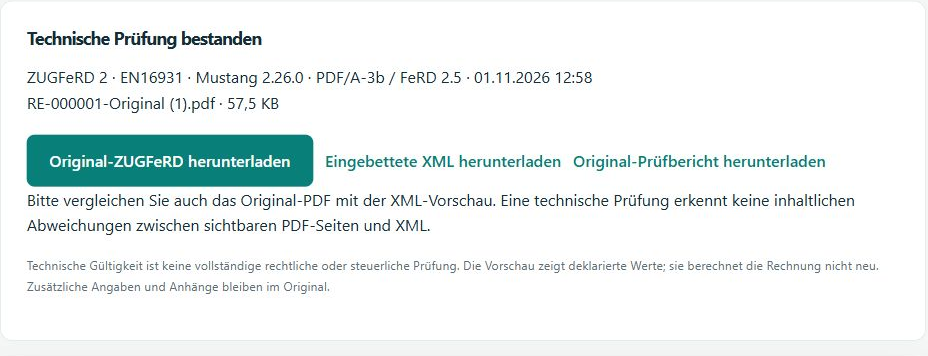
See the technical status and the validation rules used. Download the original, embedded XML and report from the same document.
SUPPORTED FORMATS
Which file do you receive?
XRechnung
Rebilix creates and validates UBL invoices and cancellation invoices for XRechnung 3.0.2. The XML file is the original invoice.
Create and validate an XRechnungZUGFeRD EN16931
The PDF contains both the readable invoice and the embedded invoice data. You can download them together as the original.
Create and receive ZUGFeRD invoicesConversion
Review the preview before converting. Rebilix blocks conversion if any information would be lost. The original remains available.
Supported profiles and limitationsFOR DEVELOPERS
Generate the same invoice from your ERP
The quickstart generates RE-000001 as an XRechnung in the sandbox. Open the result in Rebilix or download the original and report through the API.
Sandbox quickstartPOST /documents/generate
GET /documents/{id}/original
GET /documents/{id}/reportTry it with cURL, Postman or the .NET SDK.
Before you get started
Where can I find plans and allowances?
Subscription & billing lists the offers available to your workspace, including monthly prices and benefits. Usage & plan shows your allowances for sandbox and live processing.
View plansWhat does “technically valid” mean?
The file passed the rules for the supported format. You are responsible for reviewing the business and tax details of your invoice.
Where can I find sandbox documents?
In the same workspace, open Integration → Developer · API & sandbox. Select Sandbox in the request history and choose Open document. You can download the original and any available validation report there.
View the illustrated guide