

XRECHNUNG 3.0.2 · UBL
Create and validate an XRechnung.
The XML file is the original XRechnung. Rebilix validates the structured data and provides a readable PDF view.
RE-000001
Beispiel Studio Berlin invoices Musterfirma GmbH for eight hours of software development at €97.00 per hour.
- Net amount
- 776,00 €
- VAT · 19%
- 147,44 €
- Invoice total
- 923,44 €
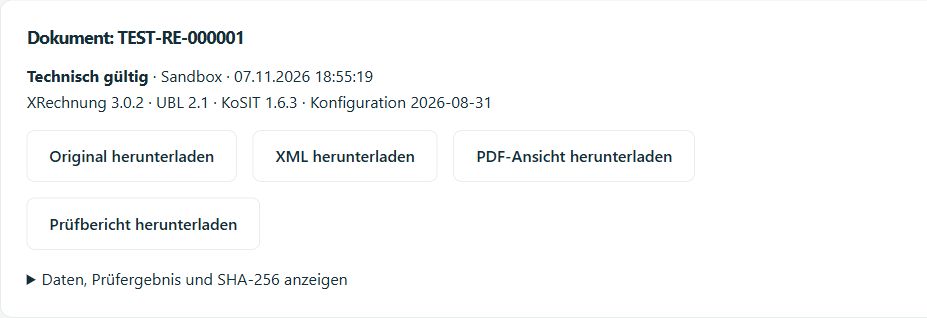
From draft to validated XML original
Enter the recipient details
Choose XRechnung as the output format in the draft. Enter both parties’ electronic addresses and the buyer reference. In this example the reference is DEMO-BESTELLUNG-1. Use the reference supplied by your recipient for your invoice.
Validate the draft
Save the draft and select Validate XRechnung. If the buyer reference is missing, enter it, save again and repeat the check. You can then issue the invoice.
Retrieve the original and report
Open the issued invoice to download the XML original and its validation report. For the API example, find both files under Integration → Developer · API & sandbox → Request history.